 Kuebix is now a part of FreightWise
Preferred Carrier Program: Launch of ABF via FreightWise
Overview:
We’re excited to announce a new partner in our Preferred Carrier Program ABF via FreightWise – giving you more LTL options the next time you rate a shipment in FreightWise. ABF has been a longstanding partner of FreightWise, and we are excited to offer their rates beyond your contracted rates.
Implementation:
How it works:
- When you rate a shipment, you will see ABF via FreightWise appear in your rate results. (These special rates are exclusively for shipments booked within FreightWise TMS).
- The system will create and send an electronic Bill of Lading (eBOL), request the pickup, and return a Pro #.
- You’ll then receive a final BOL PDF for your records.
- The ABF via FreightWise shipment will be audited by our team and included on your next invoice from FreightWise.
How is pricing determined?
- ABF via FreightWise is a dynamic rate following market fluctuations meaning it will change with market factors and demand.
When will I start to see ABF via FreightWise?
- Beginning Today, September 10, 2025, ABF via FreightWise will begin to be an option on loads. As always, the rates are ordered from least cost to most cost carrier, so ABF via FreightWise will show up in that order.
How will I get billed if I book an ABF via FreightWise shipment?
- ABF via FreightWise will be included on your next bill in the same consolidated format you are used to receiving your invoices from FreightWise.
Sunset of the BOL Tab
Overview:
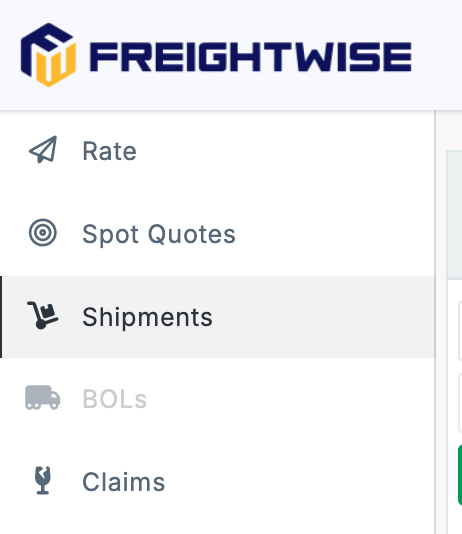
The BOL tab will be retired on Wednesday, October 1st. All functionality and data have been combined into the Shipments tab to create a streamlined shipping process.
What have we done to prepare for this change?
- Ensured feature parity between the BOL & Shipment Tabs
- All users who have the BOL role have already been assigned the Shipment roles
- Any of your automatic notifications and settings set up for the BOL tab will be automatically configured for Shipments.
- Your historical BOL data will be moved to the Shipment grid on October 1st
Implementation:
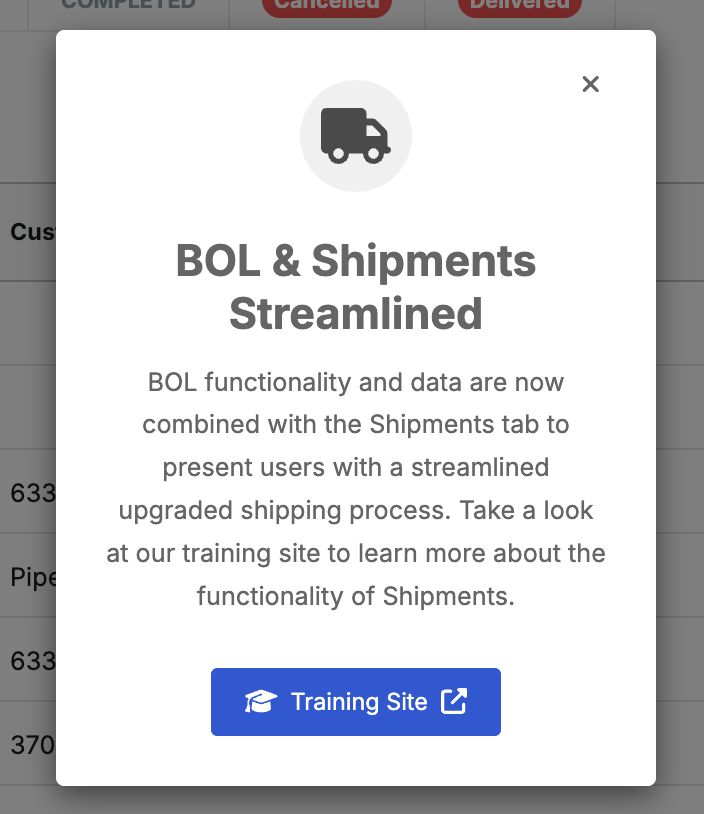
On October 1, 2025, the BOL tab will be greyed out. Upon selection, a popup will explain the change and provide a link to the Shipments training blog. Check out the training blog for training videos and an FAQ section highlighting the differences between the BOL tab and the Shipment tab.
 .
. 
Vendor Portal Enhancements
Overview:
We’ve added two new configuration settings to the vendor portal.
- You can now choose which branches appear on the portal.
- You can now determine which reference fields are required before a vendor creates a BOL.
Implementation:
Please reach out to support@freightwisellc.com to have these turned on for your vendor portal.
Enhanced Freight Bill Linking
Overview:
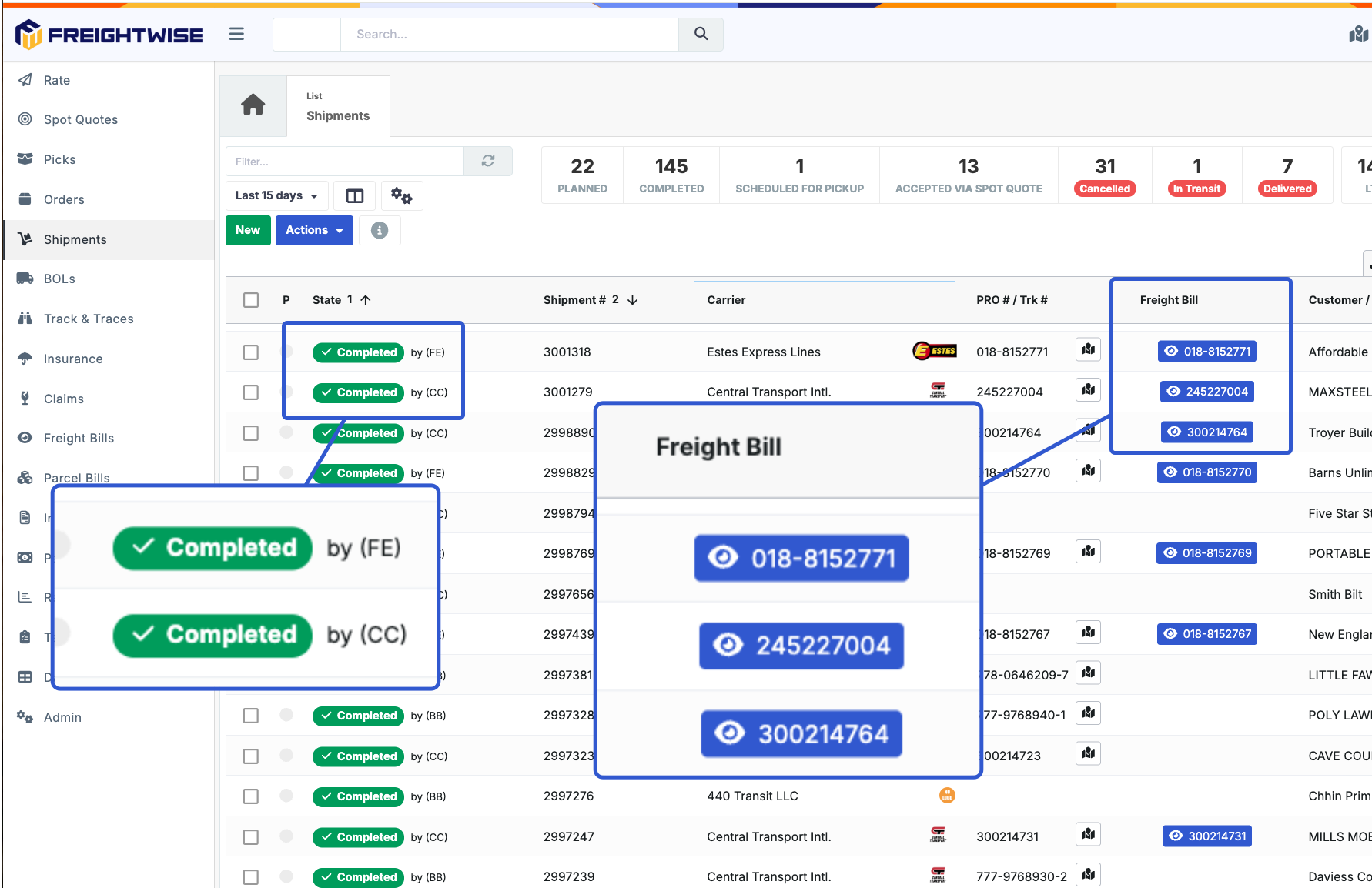
- Shipments will now be automatically moved to “Complete” once a Freight Bill is linked
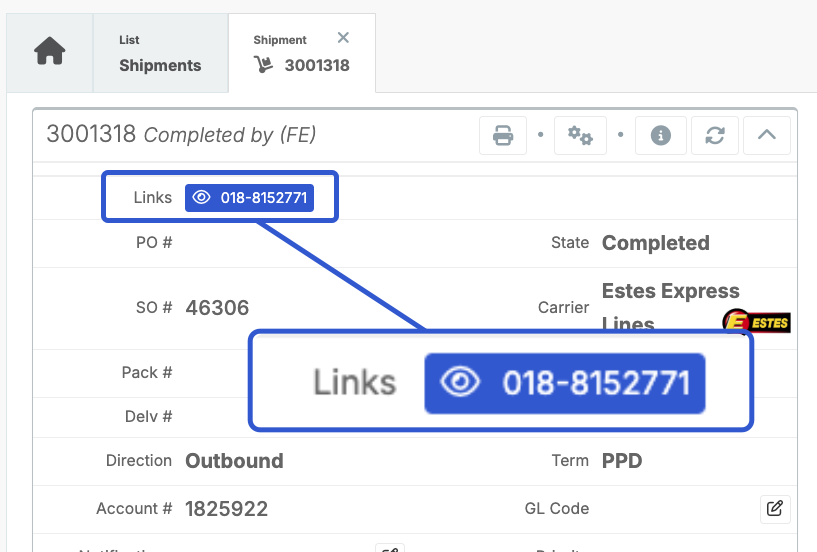
- A link to the Freight Bill will now also show on the main Shipment panel at the top of the screen
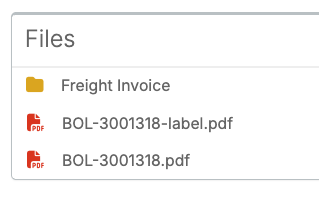
- The files of a Freight Bill will now be linked to the Shipment files
Implementation:
No implementation is required but you must have the Freight Bills role access to view these links. Please reach out to support if you do not see this on your shipments view.